Mod
Clawd Buddy
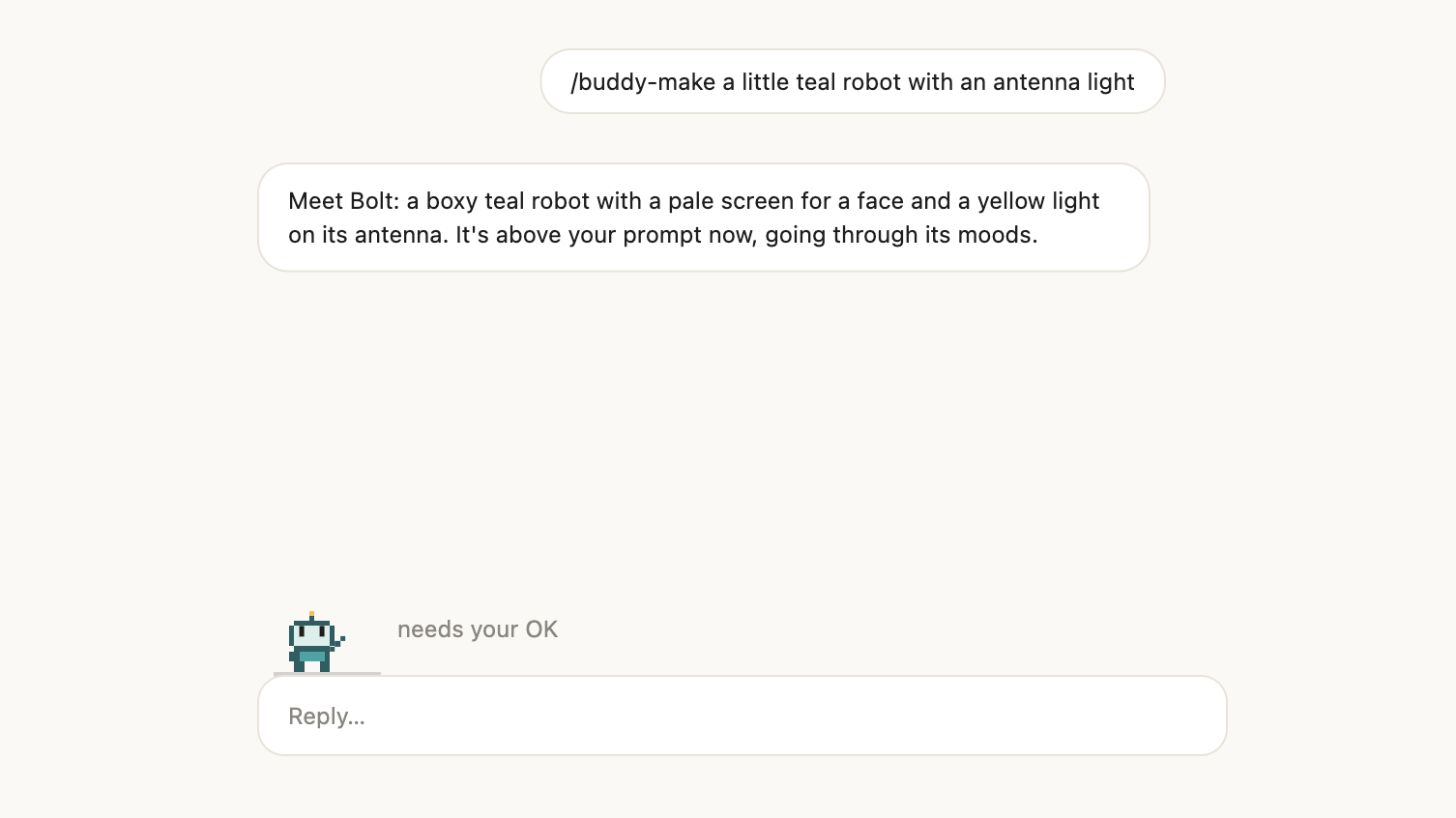
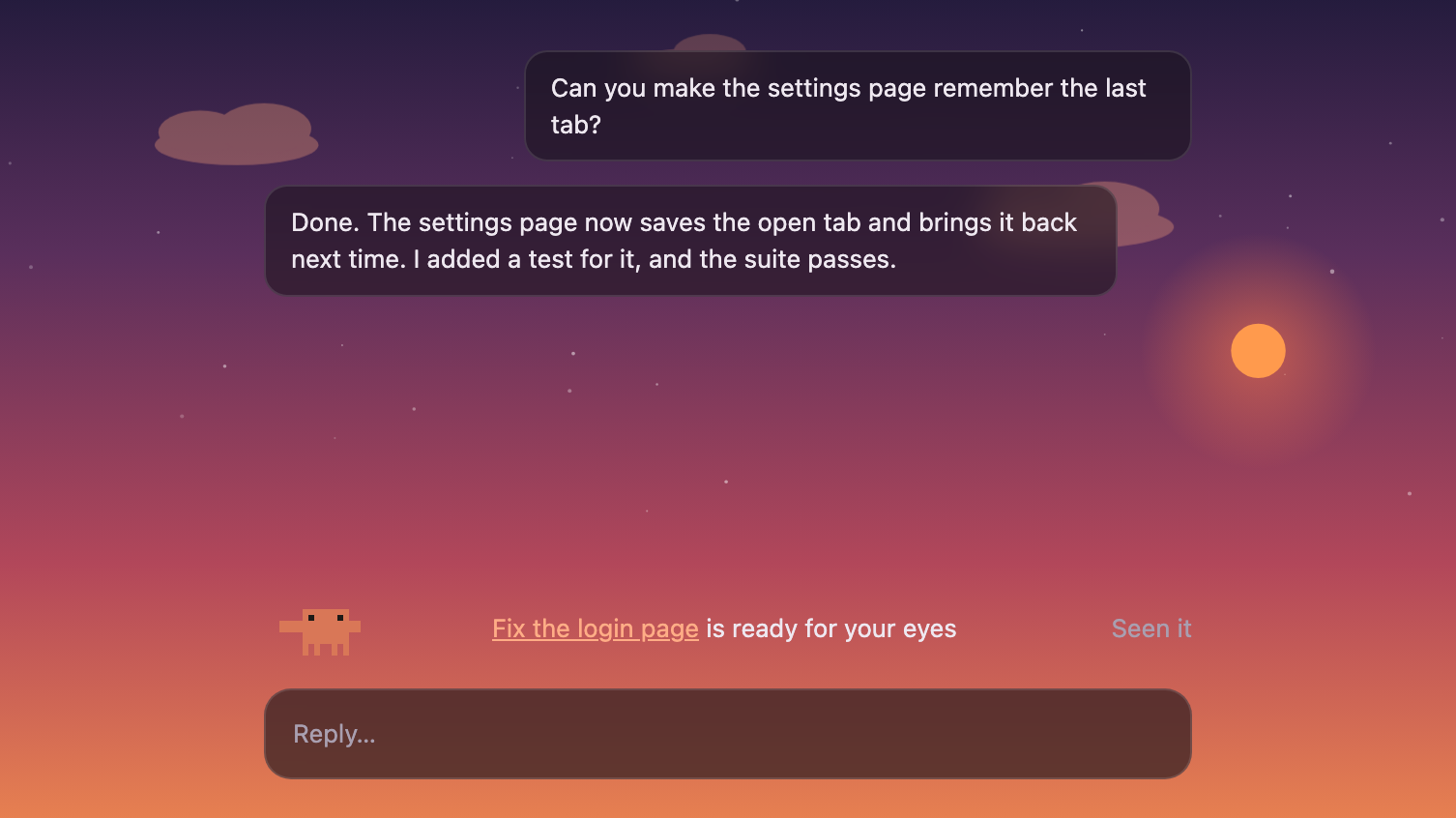
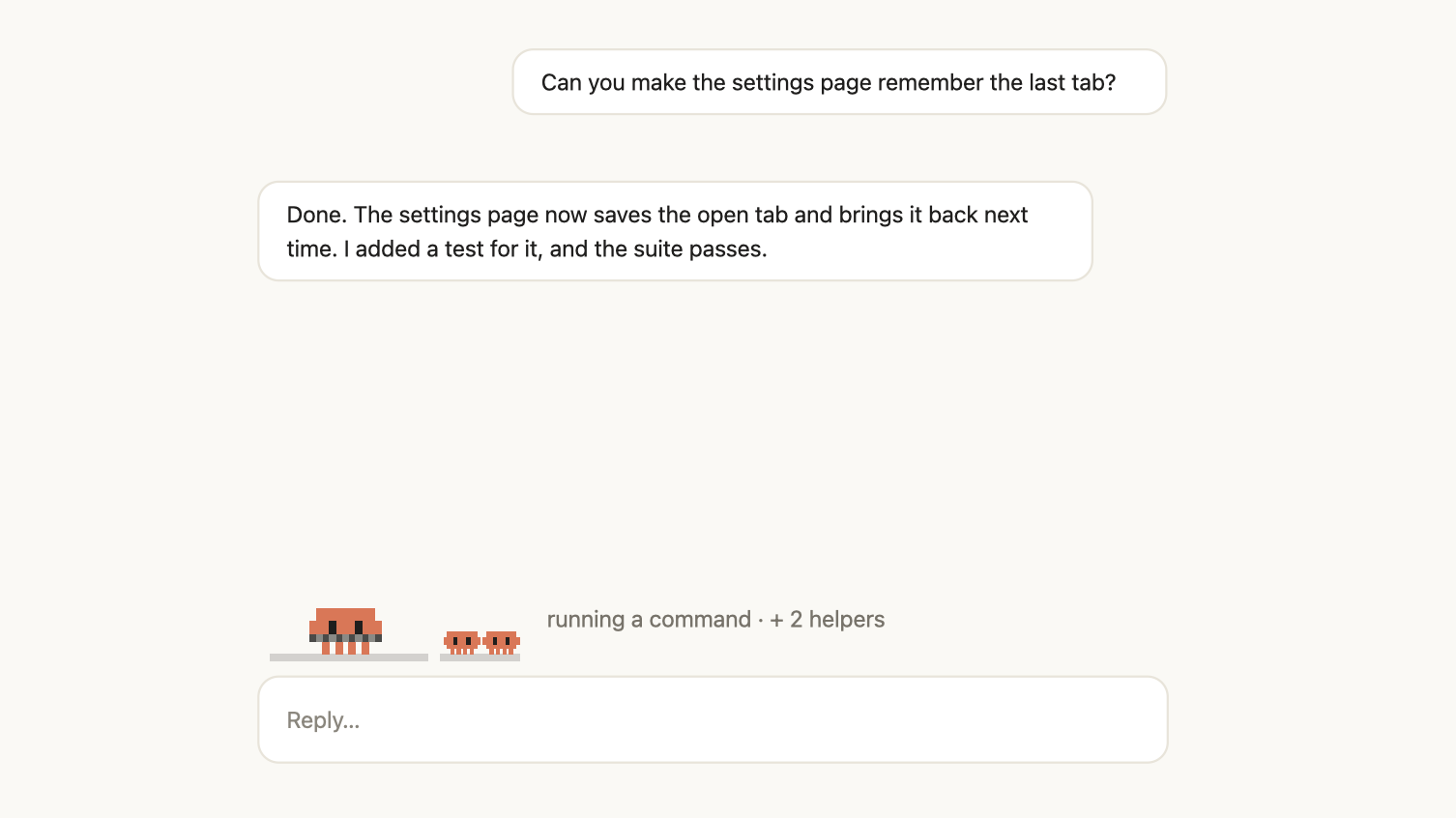
A little pixel Clawd who lives above your prompt and reacts to what Claude is doing: he thinks, types, scribbles notes, searches, waves when Claude needs your OK, sips coffee in the morning and sleeps at night.
Copies this README as markdown, to paste into Claude.
Install#
In Claude Code, add the tinwright marketplace once, then install the plugin:
/plugin marketplace add tinwright/ai-apprentice
/plugin install clawd-buddy@tinwright
How to use it#
Clawd appears above the prompt by himself, in the desktop app (and as a one-line status in the terminal). Type /clawd-demo to watch all 18 of his moods, three seconds each. A short label next to him says what he's doing.
While Claude works: a thought bubble while it thinks; a tiny keyboard while it runs commands; a notepad while it edits files; a magnifying glass while it searches; a mini Clawd beside him for each helper agent, workflow agents included. Each pose holds for a moment, so quick tool calls don't make him flicker.
How things turned out: wide eyes and a "!" when a command fails; a ta-da when tests pass or a long task finishes; a big stretch after a very long one; a thumbs-up after a git push.
When you're needed: he waves when Claude needs your approval or asks you a question, and taps his foot if the question has waited a minute.
His day: coffee from 8:00 to 10:30, a sandwich from 12:00 to 1:00, asleep from 10pm to 7am, dozing after 20 quiet minutes, and sunglasses on Friday afternoons. With hot coffee in hand he holds off on his yoohoo.
Pings: a blue dot pops up over his head and he waves his arms (yoohoo!) when another Claude session sends this one a message.
Commands: /clawd-demo (every mood), /clawd-yoohoo (a yoohoo), /clawd-coffee (a 30-second coffee break).
Feedback#
Found a bug or have an idea? Open an issue.