Mod
Vim Look
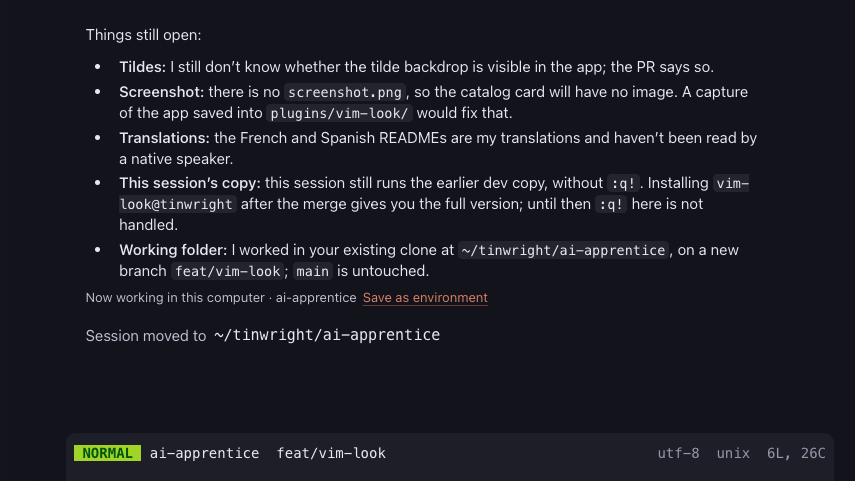
A Vim look for Claude Code: dark terminal grays, monospace everywhere, tildes down the gutter, a live NORMAL, INSERT and COMMAND status line above the prompt, and :w, :q and :wq that answer the way Vim would.
Copies this README as markdown, to paste into Claude.
Install#
In Claude Code, add the tinwright marketplace once, then install the plugin:
/plugin marketplace add tinwright/ai-apprentice
/plugin install vim-look@tinwright
How to use it#
There is nothing to switch on. The look is always dark, whatever mode the app is in.
- The status line sits above the prompt. It reads
NORMALwhile Claude waits for you,INSERTwhile Claude writes, andCOMMANDwith the tool's name (:!Bash) while a tool runs. Beside it are the folder and git branch you are in, and a count such as3L, 12C: 3 prompts and 12 tool calls this session. :w,:q,:wqand:x, typed alone as a prompt, are answered the way Vim would answer and never reach Claude. Try:q, then:q!./w,/qand/wqdo the same from the slash menu.
The colors, the type and the tildes draw in the desktop and mobile apps. In a terminal you get the status line and the commands.
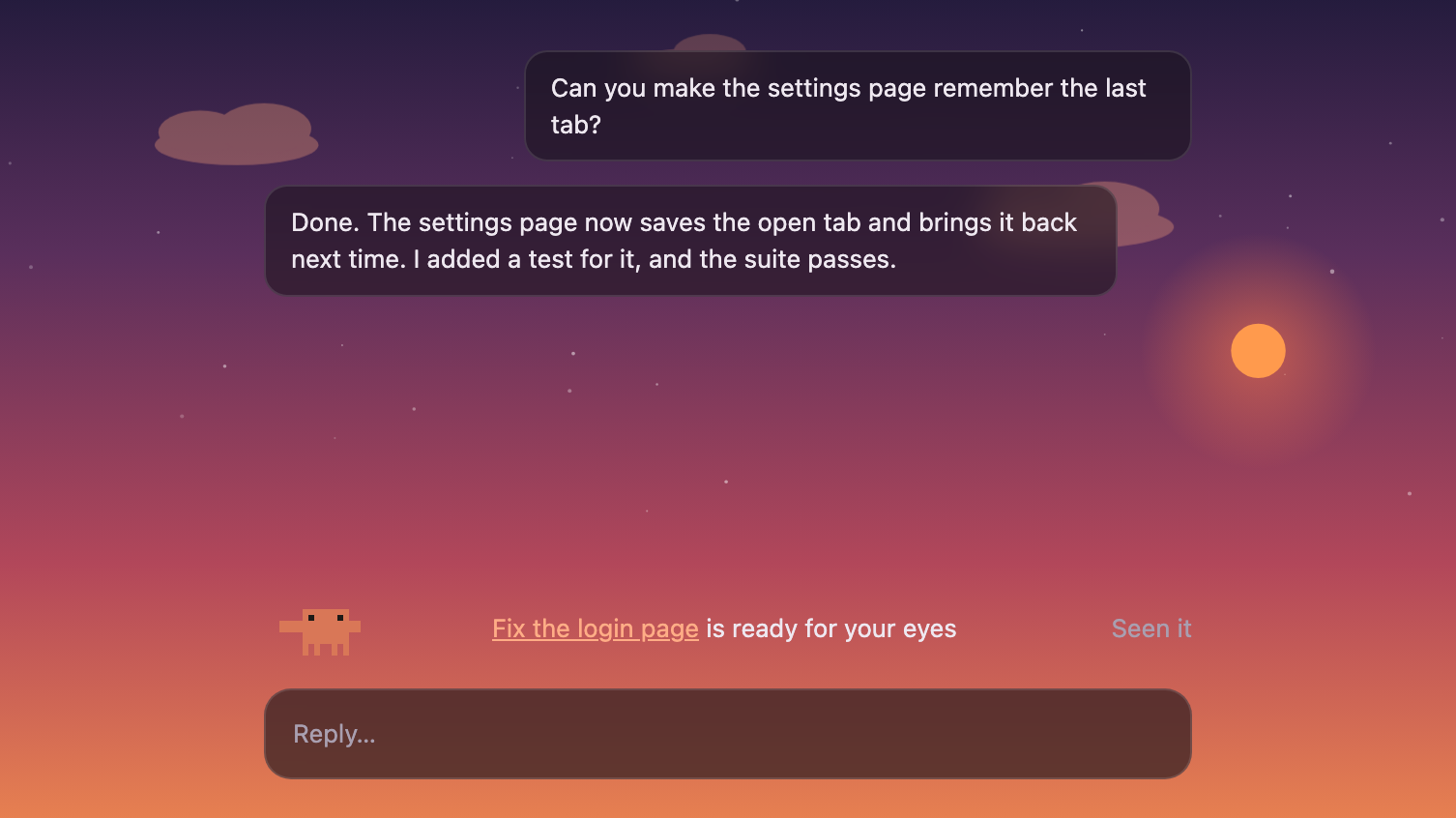
A session has one look at a time, so Vim Look and another theme mod such as Skywatch replace each other's colors and backdrop. Turn the other one off to see this one whole.
Feedback#
Found a bug or have an idea? Open an issue.